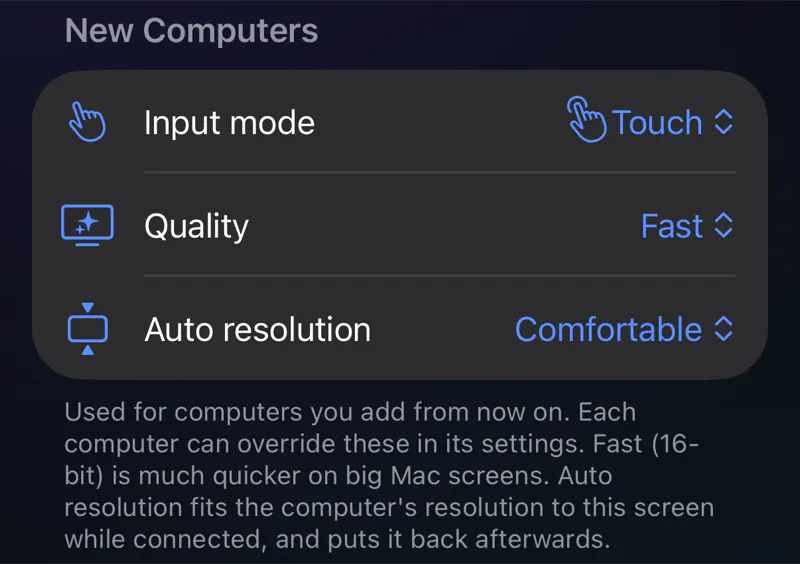
Touch or cursor. Your call.
Use the screen like a trackpad with a native cursor, or tap exactly where you point. Pinch to zoom and pan with two fingers in either mode.
FarLink is a fast, private remote desktop. Reach your Macs, Windows PCs and Linux machines from across the room or across the world.
Available for iPhoneiPadMacWindowsLinux
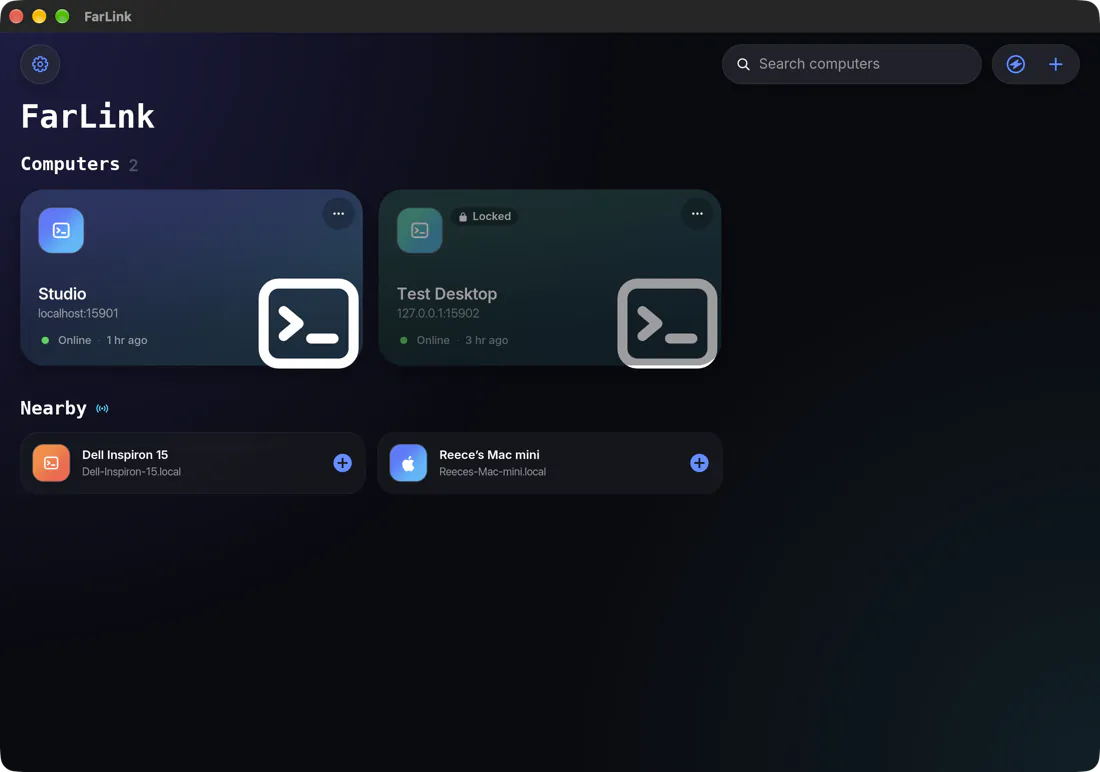
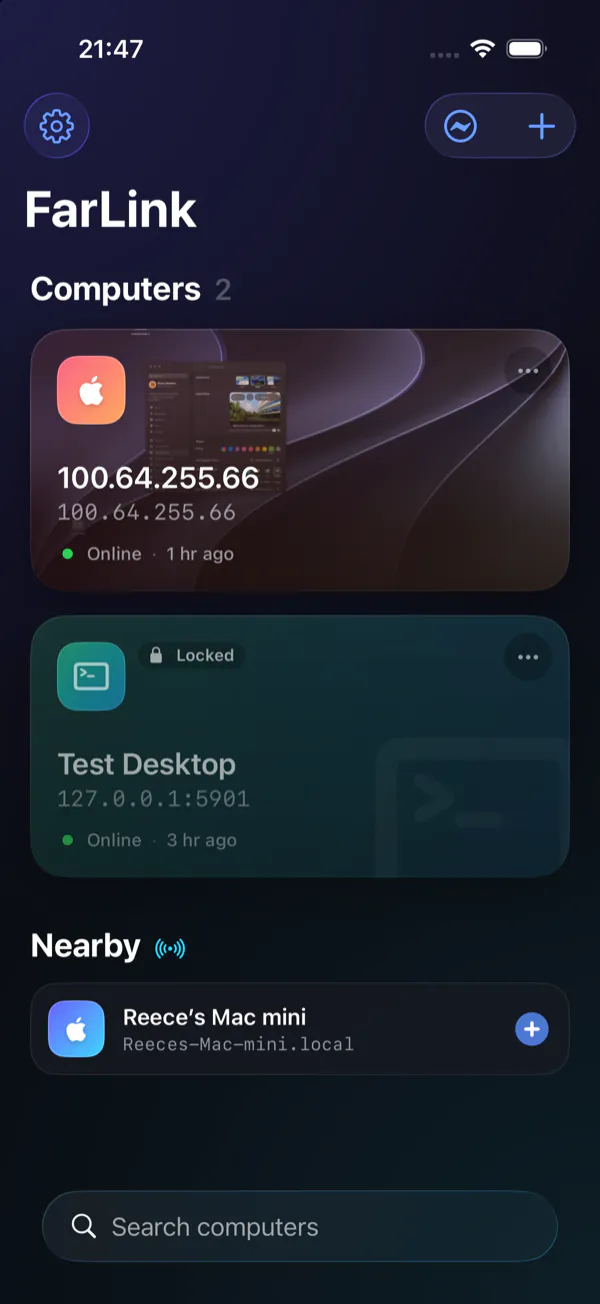
FarLink is not a web view or a cross-platform shell. On iPhone, iPad and Mac it draws the remote screen with Metal, at up to 120 Hz on iPhone. On Windows and Linux a wgpu renderer does the same job on the GPU.
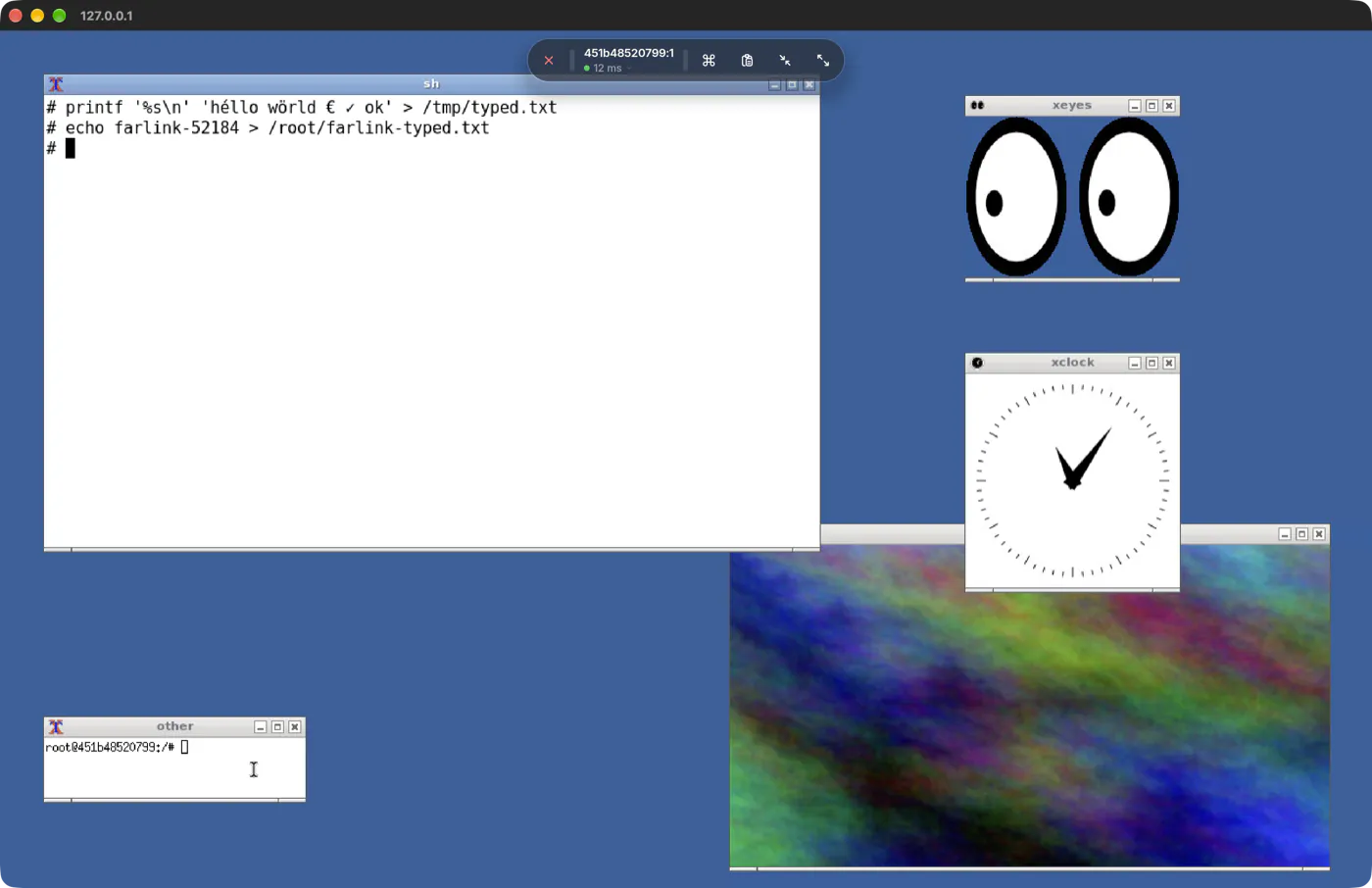
Frames go straight to the GPU, at up to 120 Hz on a ProMotion iPhone.
The desktop app is written in Rust and renders through Vulkan, DirectX or Metal.
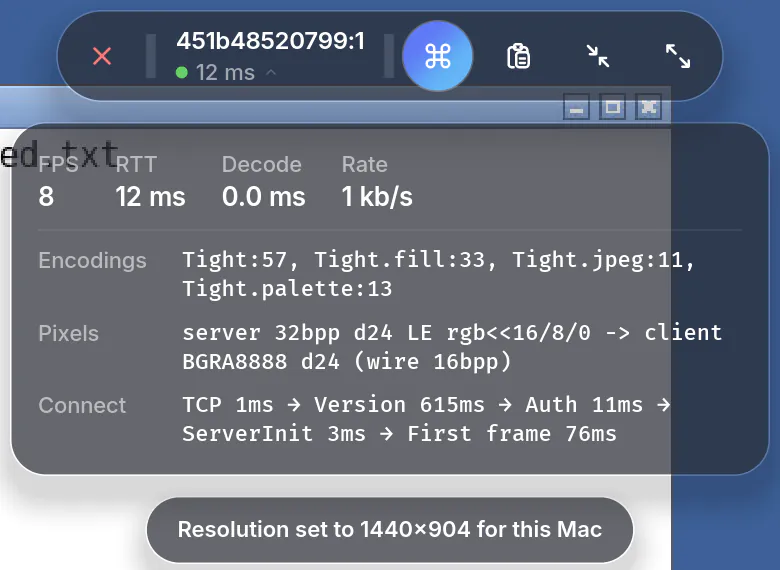
Fast quality sends 16-bit colour, which is much quicker on big screens. Switch per computer.
Every gesture, key and pixel tuned so a computer feels at home on a phone, a tablet or another desktop.
Use the screen like a trackpad with a native cursor, or tap exactly where you point. Pinch to zoom and pan with two fingers in either mode.
Auto resolution sets the remote screen to the shape of your device while you are connected, then puts it back. On a Mac it works through the FarLink app for Mac; on Windows and Linux through FarLink Helper.
Esc, Tab, Ctrl, Alt, Super, arrows, Home, End and the function keys sit one tap away.

Computers sharing their screen on your network appear on their own. Add one with a tap.
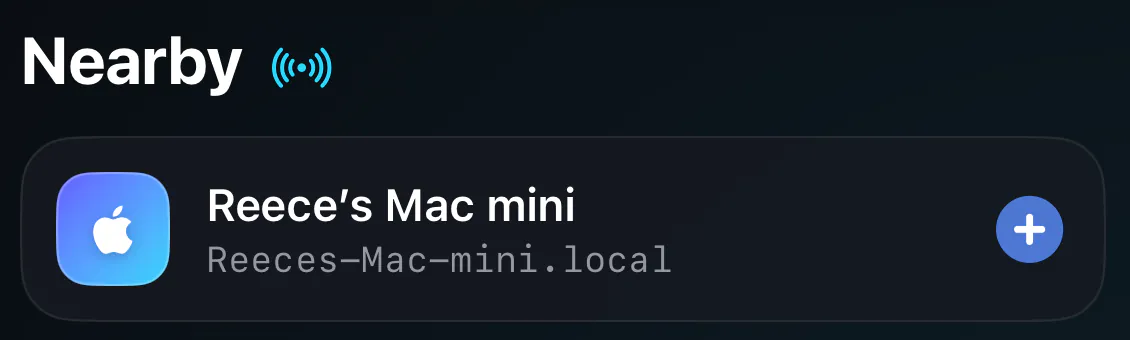
FarLink speaks VNC, so it connects to the screen sharing you already have. Pick a computer to see how to set it up.
Uses the Screen Sharing built into macOS. Nothing else to install for your local network.
macOS · VNC port 5900
For auto resolution and access from anywhere, install FarLink on the Mac and turn on Allow this Mac to be controlled.
Full Mac setup guideWorks with the VNC server you prefer: TightVNC, RealVNC Server or UltraVNC.
Windows · VNC port 5900
5900 through Windows Firewall.For auto resolution and access from anywhere, install FarLink Helper on the PC.
Full Windows setup guideX11 or Wayland: x11vnc, TigerVNC and wayvnc all work.
Linux · VNC port 5900
x11vnc -usepw -forever.vncserver :1 listens on port 5901.wayvnc 0.0.0.0.ufw allow 5900.For auto resolution and access from anywhere, install FarLink Helper on the computer.
Full Linux setup guideWith FarLink Cloud, your iPhone reaches the computer at home or in the office through an encrypted relay in the United Kingdom. No port forwarding, no VPN to set up.
One account on every platform. On Windows and Linux, sign-in happens in your browser.
Screens, keystrokes and clipboard pass through in memory only, over TLS, and are discarded.
Saved computers are encrypted on your device before they sync. Only your devices and your recovery phrase hold the key.
FarLink is paid for with subscriptions, not with your data, so there is nothing to collect. Use FarLink on your own network without an account and nothing about your computers is sent to us at all.
None in the apps, and no advertising identifiers.
No tracking across apps or websites, and no fingerprinting.
No third-party analytics, crash reporting or session replay.
Session content is never written to disk, logged or viewed.
Free covers one computer on your own network. FarLink Pro adds every computer you use, access from anywhere and sync.
One computer on your own network.
£0
Every computer you use, from any network.
£29.99/ year
£4.99/ month
£1.99/ week
3-day free trial for eligible new subscribers. Subscribe in FarLink on iPhone, iPad or Mac.
| Feature | Free | FarLink Pro |
|---|---|---|
| Computers | 1 | Up to 25 |
| Connect on your local network | ||
| Access anywhere through FarLink Cloud | ||
| End-to-end encrypted sync across your devices | ||
| Auto resolution | ||
| Touch and cursor modes, pinch zoom, two-finger pan | ||
| Nearby discovery, Wake-on-LAN, live thumbnails | ||
| Siri, Shortcuts and farlink:// links | ||
| Account | Optional | Sign in with Apple |
FarLink runs on iPhone, iPad, Mac, Windows and Linux, and your library follows you between them.
One app from the App Store. On a Mac it also lets that Mac be controlled.
Coming soon to the App Store
The FarLink app, plus FarLink Helper for the PCs you control.
Coming soon
The FarLink app, plus FarLink Helper for the machines you control.
Coming soon
Something else? Write to contact@granwel.com.
A screen-sharing (VNC) server. On a Mac that is the Screen Sharing built into macOS. On Windows, TightVNC, RealVNC Server or UltraVNC. On Linux, x11vnc, TigerVNC or wayvnc. The setup guide walks through each one.
Not on your own network. Without an account, everything you save stays on your device. You only need an account, with Sign in with Apple, for FarLink Cloud: access from anywhere and sync.
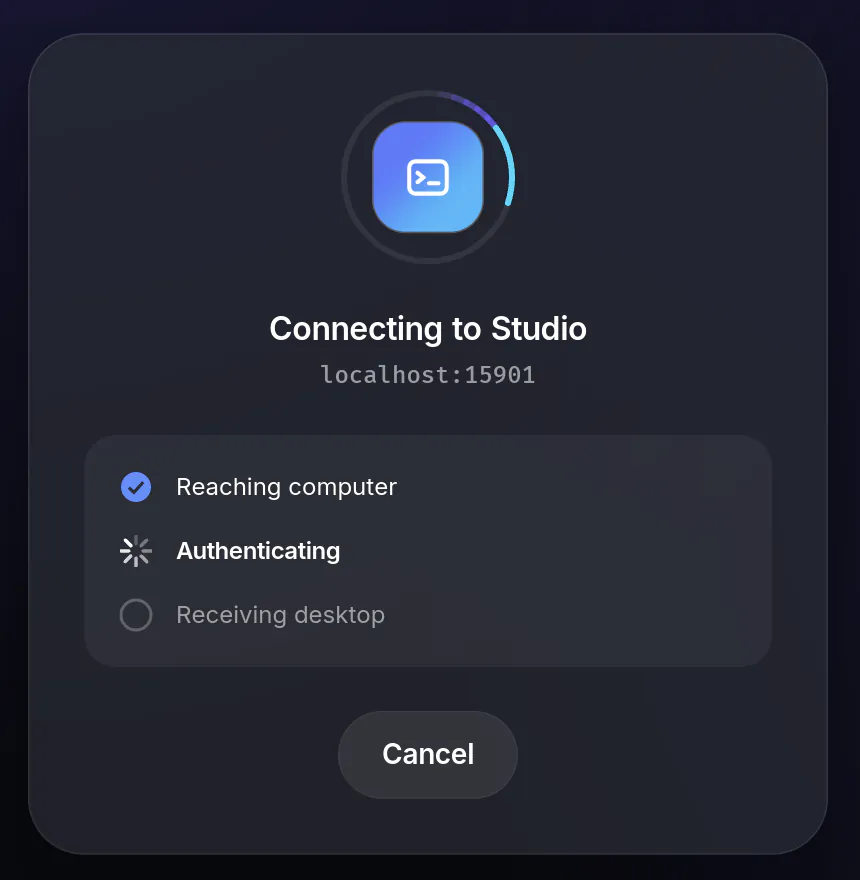
When your device and your computer are on different networks, FarLink connects them through FarLink Cloud, an encrypted relay in the United Kingdom. On the computer you install the FarLink app for Mac or FarLink Helper for Windows and Linux, and link it to your account. There is no port forwarding to set up.
No. Session content passes through the relay in memory only, over TLS, and is discarded. It is never written to disk, logged, cached or inspected, and our staff have no tool to view it.
The FarLink app for Mac on a Mac, or FarLink Helper on a Windows or Linux computer. FarLink then sets the remote screen to the shape of your device while you are connected and puts it back afterwards.
FarLink Pro is bought in FarLink on an iPhone, iPad or Mac, through the App Store. Sign in to the Windows or Linux app with the same account and the subscription applies there too.
Eligible new subscribers get 3 days free. During the trial you can add up to three computers. Unless you cancel at least 24 hours before the trial ends, it becomes a paid subscription and Apple charges you.
In your Apple Account settings. On iPhone or iPad: Settings › your name › Subscriptions. Deleting the app or your FarLink account does not cancel the subscription. FarLink Pro keeps working until the end of the period you paid for.
Synced computers are end-to-end encrypted and only your devices and your recovery phrase hold the key. If you lose all your devices and the phrase, we cannot recover them, so keep it somewhere safe.
No. FarLink Pro is not available through Family Sharing; each person needs their own subscription.